Collaboration
An Indigo® Collaboration is similar to a teleconference in which the participants are Indigo® Operations (often in different operation centres). Collaboration makes it simple to share information from one Indigo® Operation to another.
An Indigo® Collaboration needs to be established by Indigo® Administrators in each operations centre. Once established, the collaborative options are enabled in the console.
To share an actionable with a collaborating operation, click the sharing icon 
Select the centre and operation with which you wish to share the actionable. Add any message you wish to add to the share.
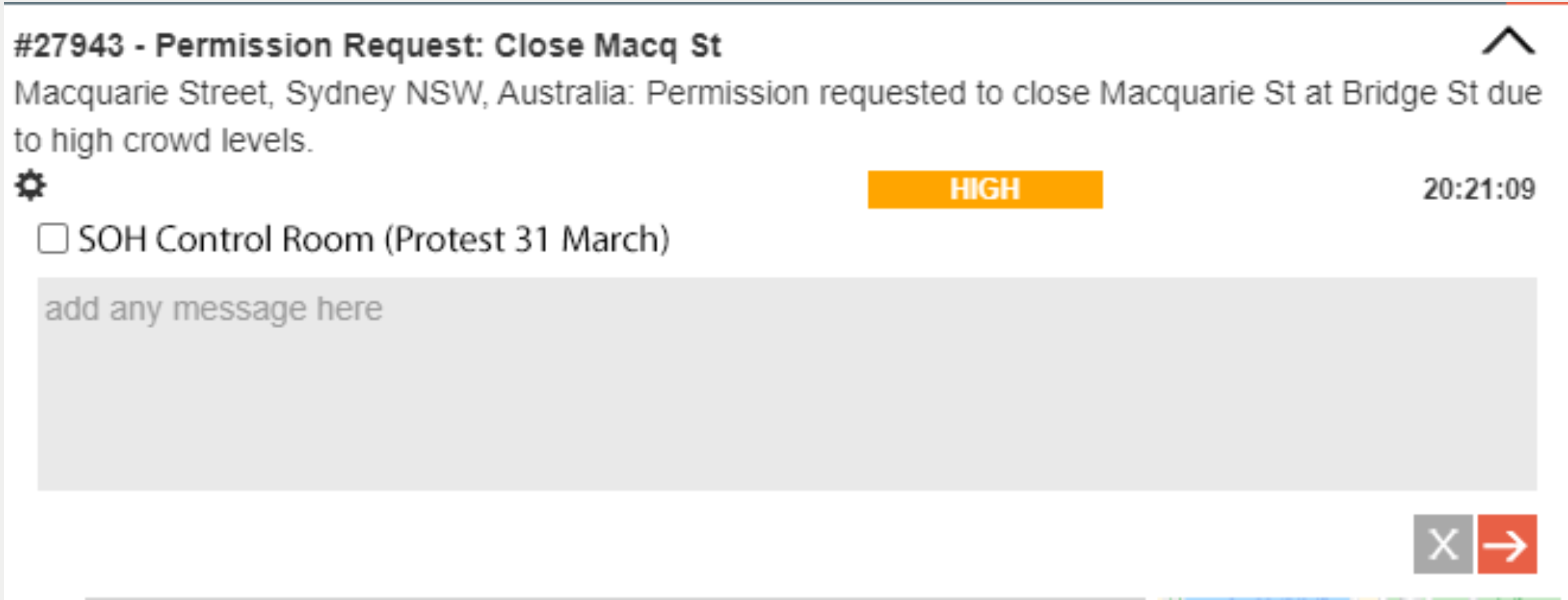
Click  to initiate the share.
Note that for some operations, share initiations is restrcited to administrators. Note also that you cannot share restricted information.
Once shared, all non-restricted updates, uploads, voice recordings and other input for the actionable will be shared with the other operation. Likewise, any input in the other operation will be shared back.
The status bar then displays 

Click the shared indicator to see the sharing info for the actionable.
To share a log update with a collaborating operation, click the sharing icon in the update.
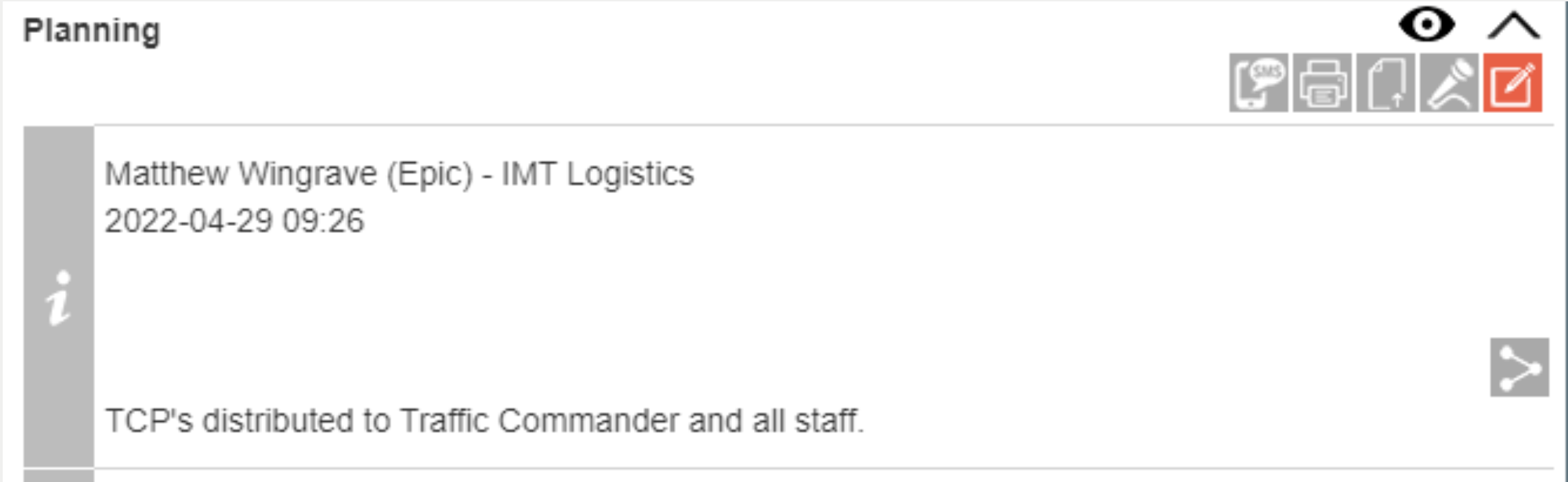
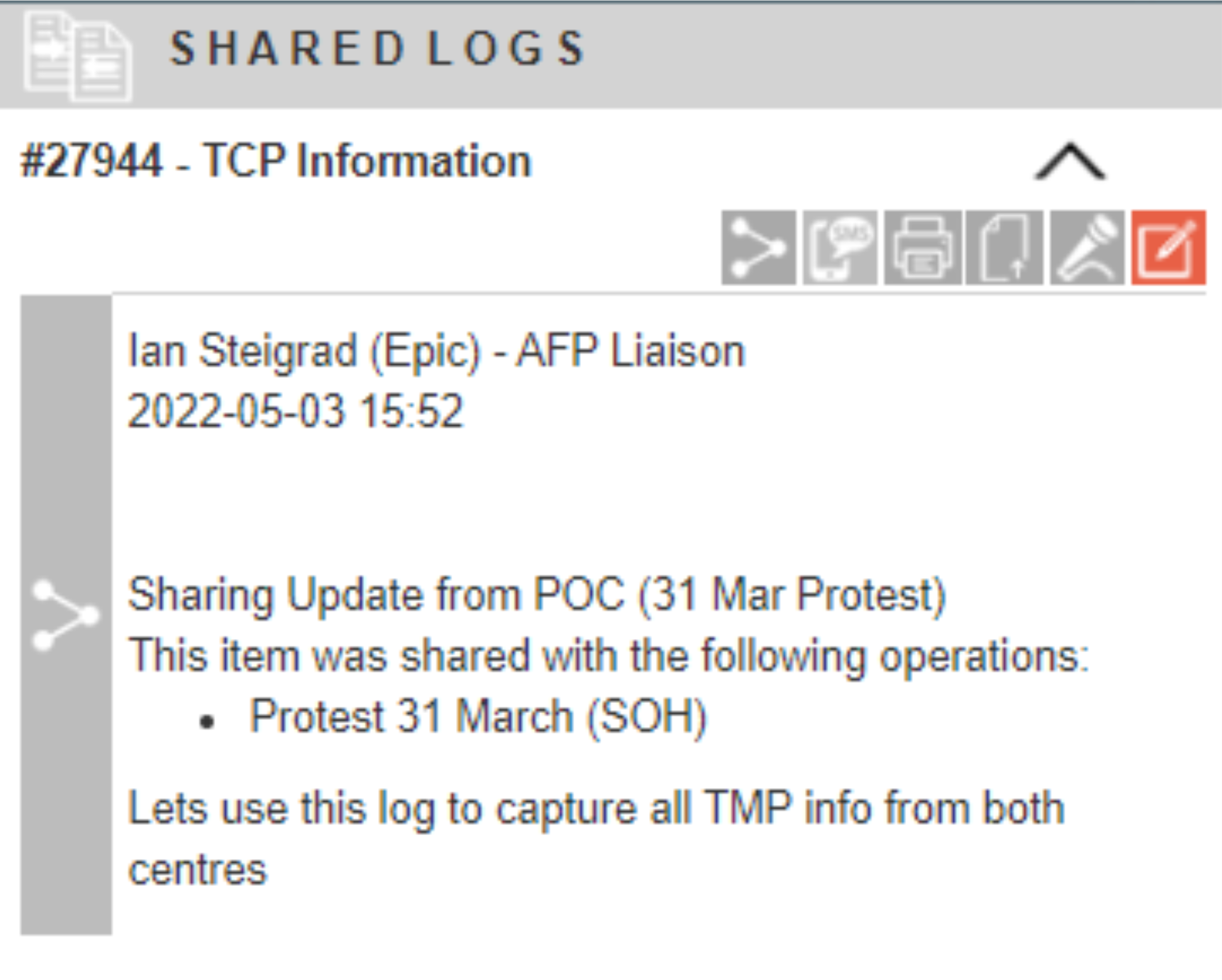
In this instance, Indigo® will create a new shared log in the tools panel. You will need to create a title for the shared log.
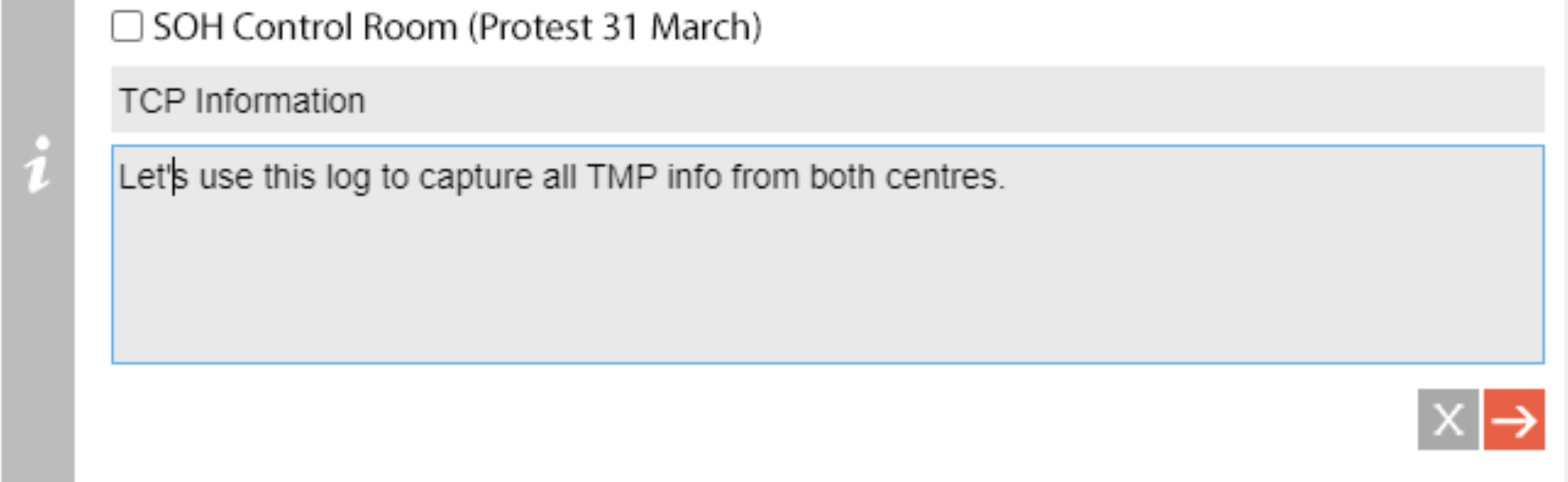
To share an log update with a collaborating operation, click the sharing icon in the update.
In this instance, Indigo® will create a new shared log in the tools panel. You will need to create a title for the shared log.
Click to submit and create the shared log in the tools panel.
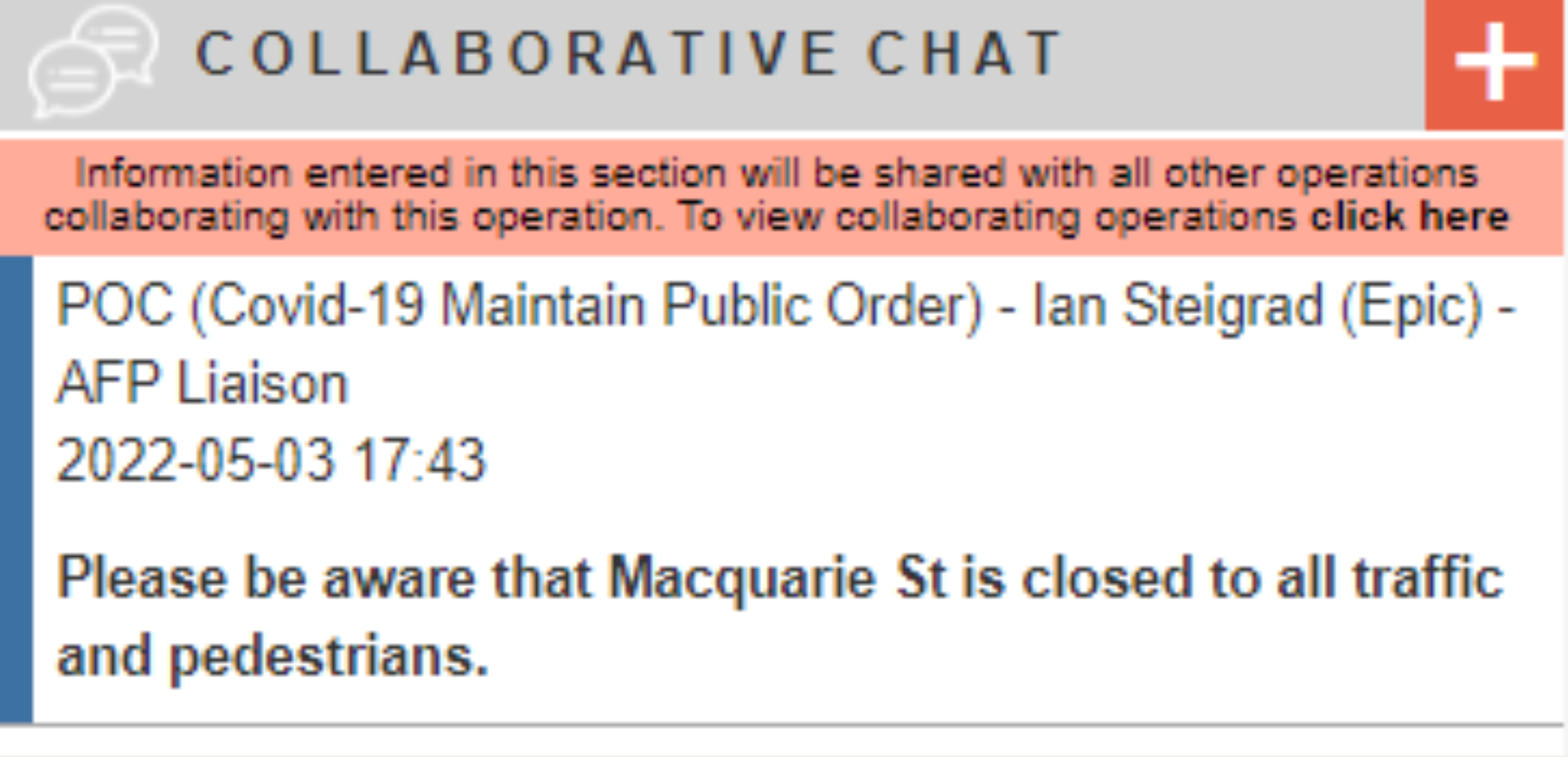
When a collaboration is active, collaborative chat can be used to send messages instatntly between all indigo users in all operations. Chat items can also be drag-and-dropped into preset logs.