The Indigo Console
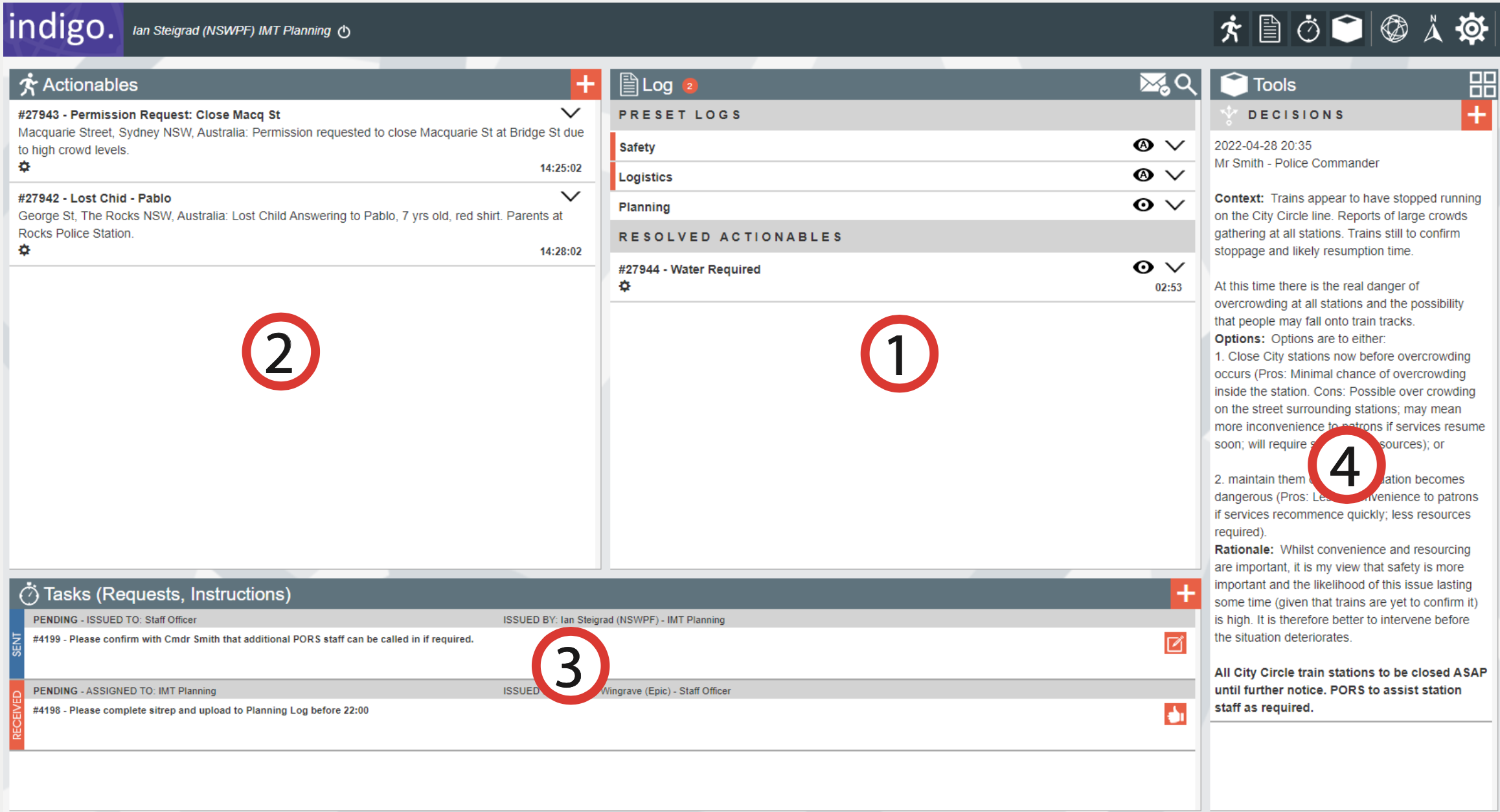
The Indigo Console consists of four main panels:
- Log – Captures and shares information for awareness or records.
- Actionables – Items requiring action by you or others.
- Tasks – List of tasks assigned to or created by you.
- Tools – Includes decisions log, forms, and collaboration features.
You can toggle panel visibility from the top-right corner of the screen.

Additional controls:
Map – View mapped actionables.

New Console – Log into a second operation.

Logoff – Exit from the operation.

The Alert Bar informs you of new tasks or decisions.