Close Actionable Items
Regularly closing completed actionables in Indigo is essential to managing a smooth Operation because it focuses all users on the active tasks at hand.
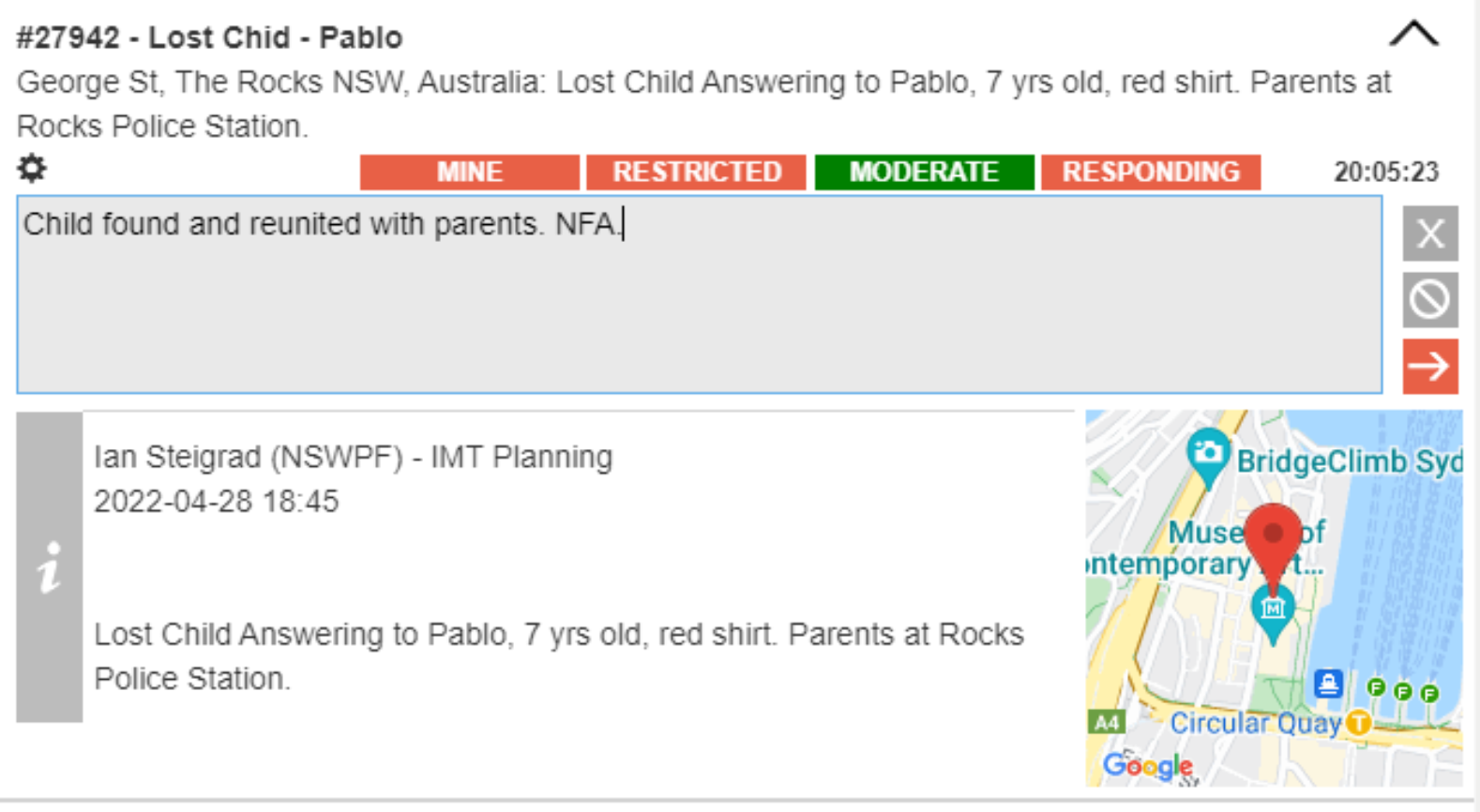
Click  to expand the desired actionable.
Click  to add a final update to the actionable describing the reason for closing it.
Click  close the actionable.
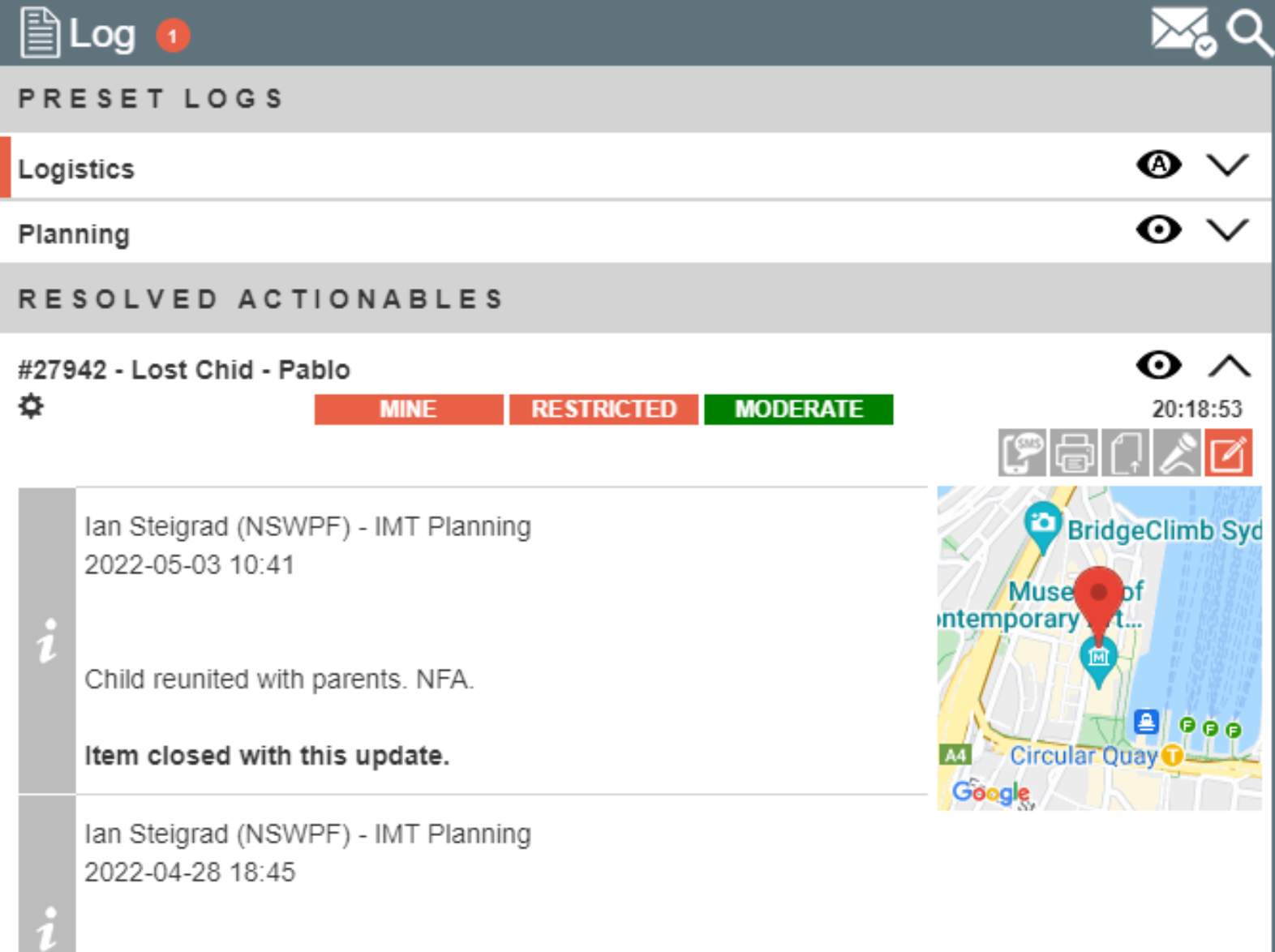
The actionable closes and moves across to the Log under “Resolved Actionables”. Visibility is set as “Auto” for all users except the closing user for whom it is pinned.