Tools
To view available tools, click  on the top right corner of the tools panel. Select the desired tool from the icons that appear. Please note, not all tools are available in every Indigo installation.
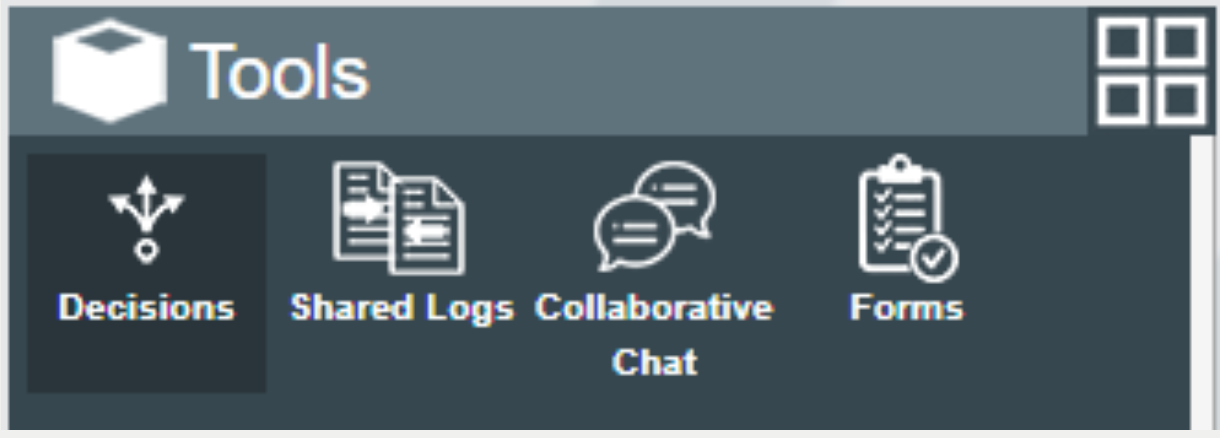
Decisions
Not all roles are designated as decision recorders. If your role can record decisions you will see the  button at the top right or the decisions panel.
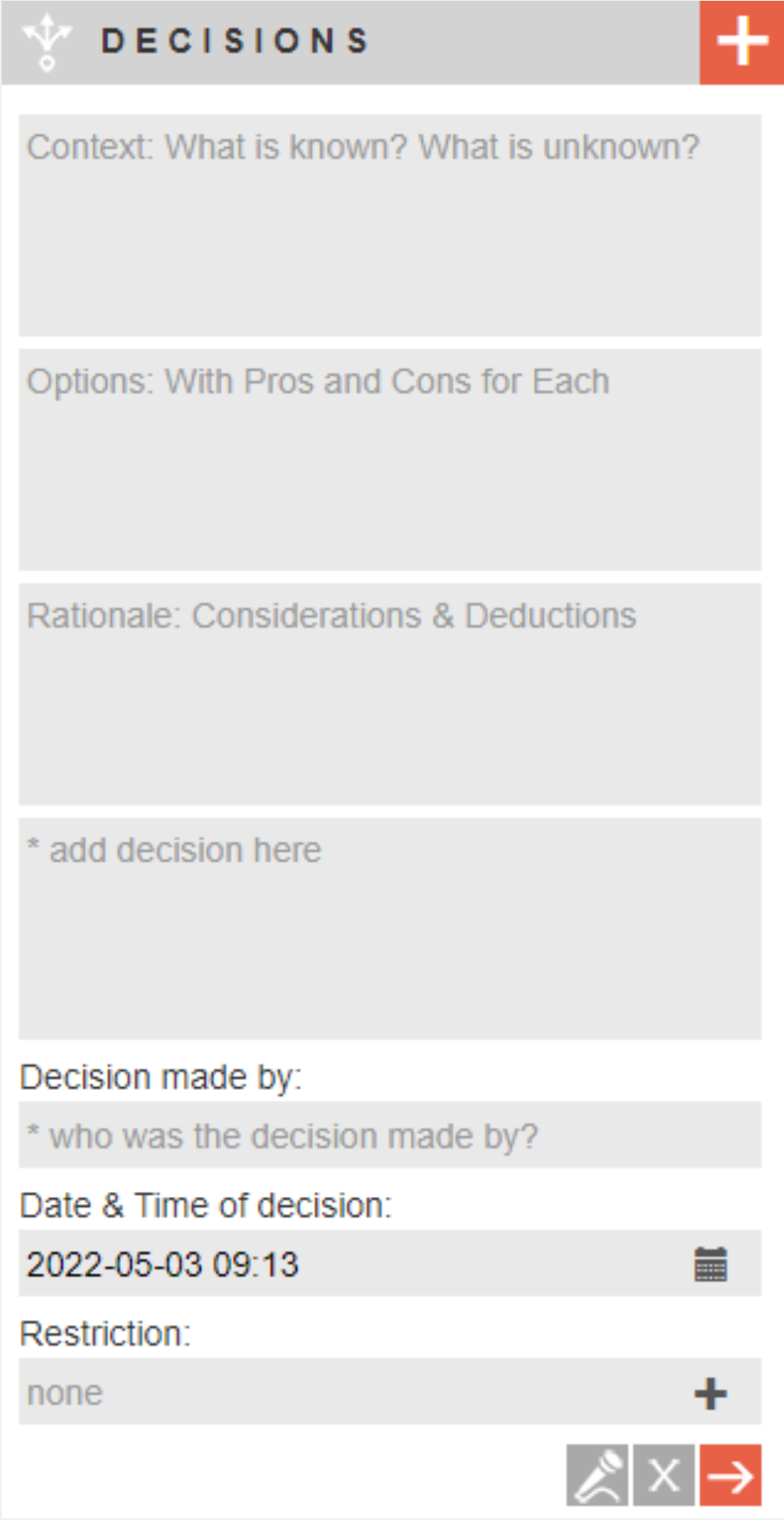
Click to record a new decision.
Note that decision fields may vary to those pictured opposite.
By default, the decision will be seen by all users logged into the operation. To restrict the update to specific users, type a user or user group name into the restriction box.
Add mutiple users or user groups to the restriction by clicking  . For decisions, restriction cannot be changed once submitted.
Click  to submit
The Shared Logs and Collaborative chat tools are covered under the Collaboration page of this guide.
Forms
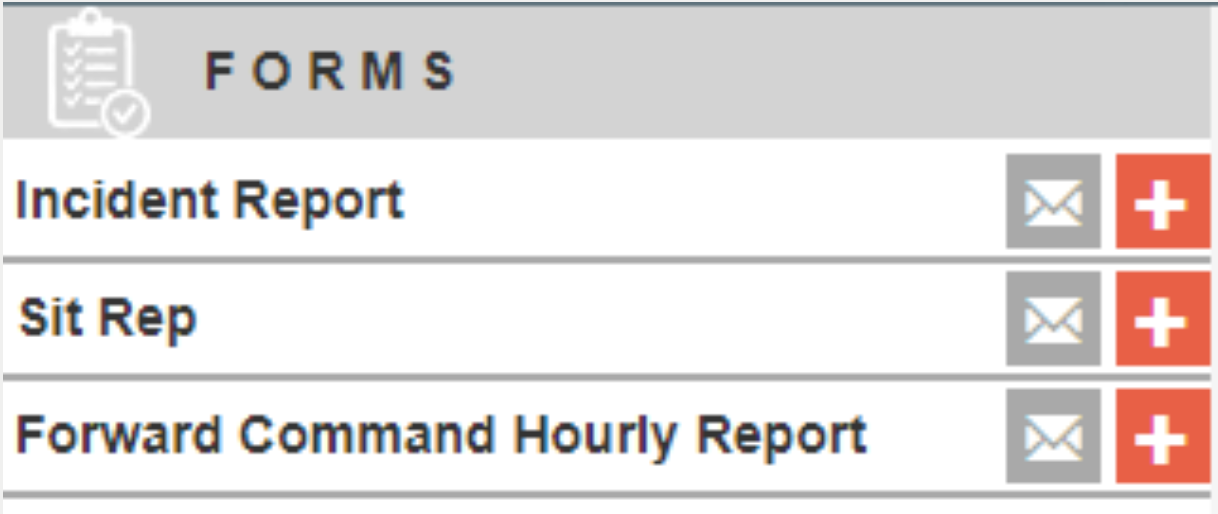
Use the Forms tool to access pre-defined forms.
Click next to the appropriate form to start a new form.
Click  next to a form to email a link to that form to another person for completion.
Forms can be saved or sumbitted. Upon being submitted, forms will be conversted to a PDF and filed under the Forms preset log.